
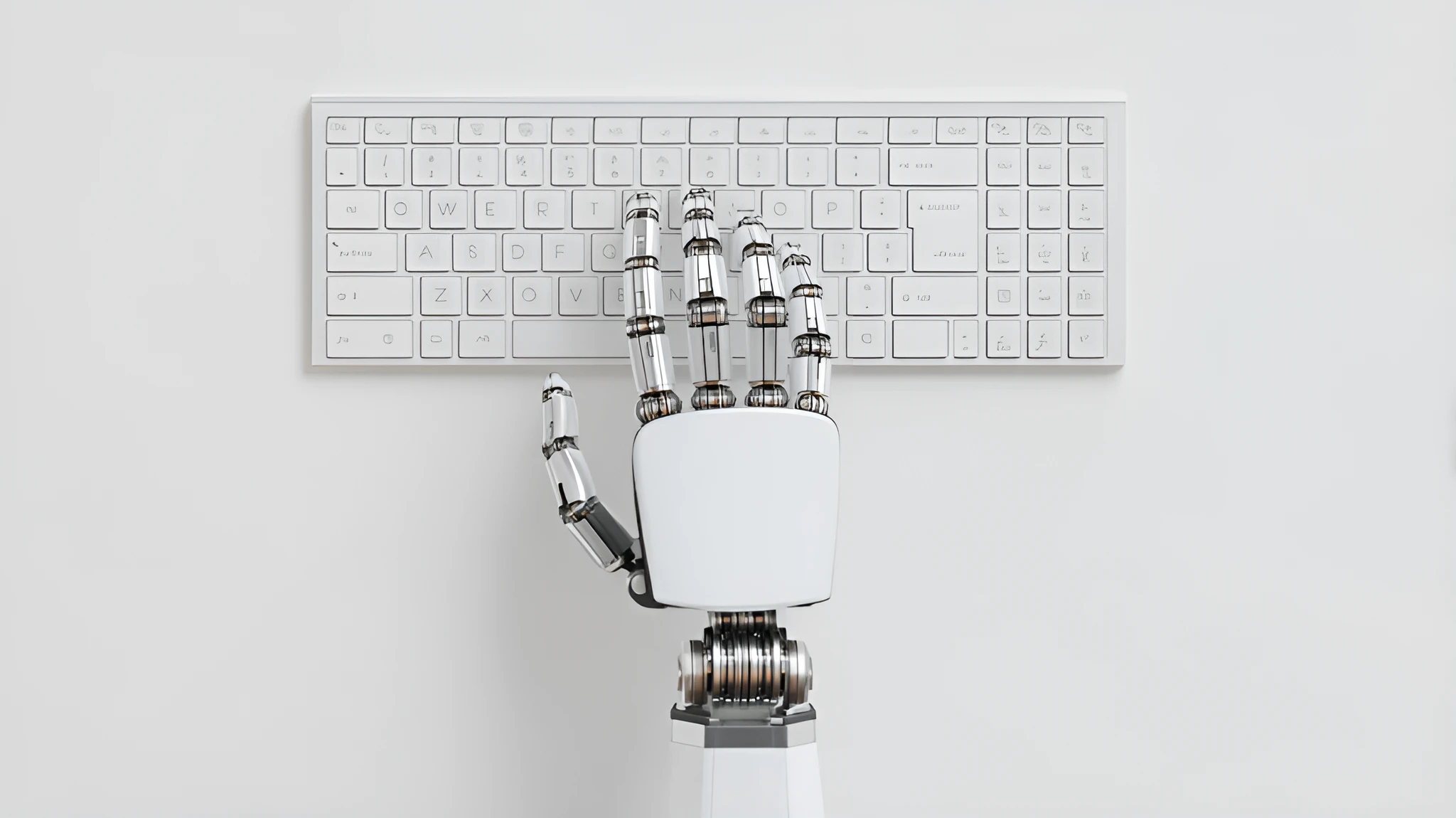
In today’s fast-paced digital age, millions of people spend long hours at desks, on laptops, or using mobile devices. While technology has increased efficiency, it has also introduced a new set of physical challenges. Back pain, eye strain, repetitive stress injuries, and poor posture are increasingly common problems linked to poorly designed workspaces. This is where ergonomics—the science of designing work environments that fit human needs—becomes essential.
Creating a comfortable workspace doesn’t just prevent discomfort; it enhances productivity, improves focus, and contributes to long-term well-being. Let’s explore how ergonomics has evolved in the digital age and practical ways to design a healthier, more supportive environment.
Why Ergonomics Matters Today
Before the digital boom, work was more physically active. Now, much of our professional life is sedentary, requiring us to sit for extended periods. Prolonged sitting without proper support can lead to musculoskeletal issues, reduced circulation, and fatigue.
Ergonomics is not just about furniture; it’s about aligning the body, technology, and environment to reduce strain. A well-designed workspace allows people to work longer and more comfortably while minimizing health risks.


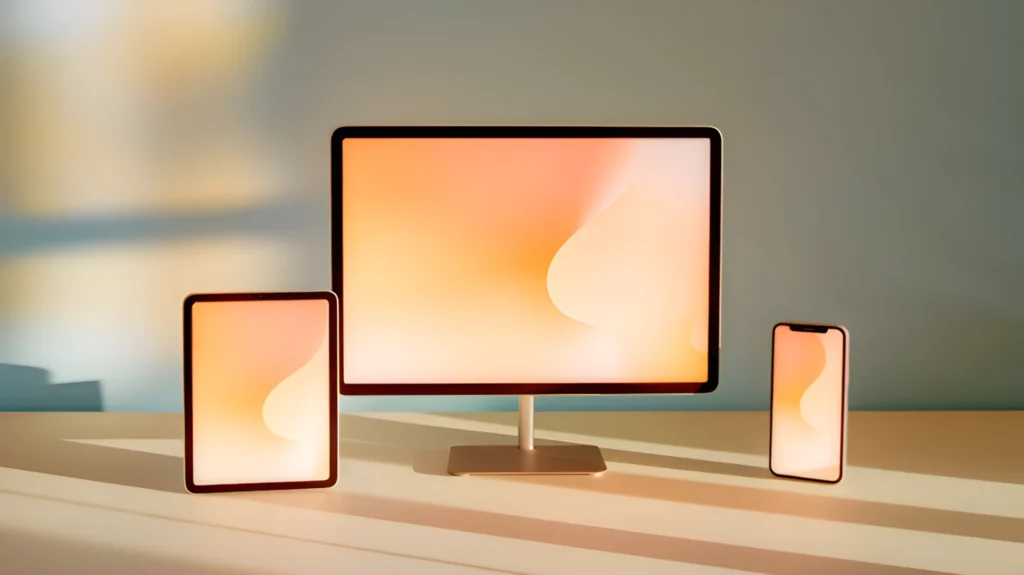
The Role of Furniture in Comfort
The foundation of an ergonomic workspace is proper furniture. Chairs and desks should not only look appealing but also support healthy posture.
Monitor Placement: Screens should be at eye level and about an arm’s length away to prevent neck strain.
Chairs: An ergonomic chair should provide lumbar support, adjustable armrests, and seat height adaptability. The goal is to support the natural curve of the spine and keep feet flat on the floor.
Desks: Adjustable desks, especially sit-stand models, allow flexibility to switch between sitting and standing throughout the day. This reduces the negative effects of prolonged sitting.
Technology and Digital Ergonomics
Since most work involves digital devices, technology plays a central role in ergonomics. Poorly positioned keyboards, touchpads, or screens can lead to repetitive strain injuries and discomfort.
Key adjustments include:
Multiple Screens: For people using dual monitors, aligning them at the same height and distance prevents awkward neck movements.
Keyboard and Mouse: Keep them at elbow level, close to the body, and use wrist supports if needed.
Laptop Use: Laptops are convenient but not inherently ergonomic. Using a laptop stand with an external keyboard and mouse greatly improves comfort.
Lighting and Eye Comfort
Digital eye strain, often called “computer vision syndrome,” is one of the most common issues in the modern workplace. Poor lighting, screen glare, and excessive screen time all contribute to discomfort.
To minimize strain:
Follow the 20-20-20 rule: every 20 minutes, look at something 20 feet away for at least 20 seconds.
Use natural light when possible but avoid glare by positioning desks sideways to windows.
Adjust screen brightness to match the ambient light.
Movement and Microbreaks
Even the most ergonomic workspace cannot eliminate the risks of sitting for long hours. Movement is vital. Taking microbreaks—short pauses to stretch, stand, or walk—keeps circulation flowing and prevents stiffness.
Some companies are integrating wellness practices, such as scheduled stretch breaks or walk meetings, to promote physical activity. Wearable devices also help by reminding users to stand and move regularly.
- Setting “no-phone zones” like the bedroom or dining table.
- Using apps that track and limit screen time.
Power up your shopping experience — where innovation meets convenience, and every click brings you closer to what you love.

Emma Larson
The Power of Deep Work
The opposite of distraction is deep work—sustained periods of focused effort without interruptions. Deep work allows us to learn complex skills, solve meaningful problems, and produce high-quality results.
To achieve deep work in a connected world, we must design our environment for focus. This may include working in quiet spaces, blocking distracting websites, and scheduling dedicated time for important projects. Over time, deep work not only improves productivity but also creates a sense of fulfillment.
Remote Work and Ergonomics at Home
The rise of remote work has blurred the line between professional and personal environments. Many people work from couches, beds, or kitchen tables—spaces not designed for productivity or posture.
Simple adjustments can transform a home setup into an ergonomic space:
Keep feet flat by using a footrest or even a sturdy box.
Use a supportive chair or add cushions for lumbar support.
Place laptops on stands or books to raise the screen to eye level.

Conclusion
In the digital age, ergonomics is no longer optional—it’s essential. By aligning technology, furniture, and environment with human needs, we can create workspaces that promote comfort, productivity, and well-being. Whether in a corporate office or at home, small adjustments like monitor height, proper lighting, and frequent breaks can make a significant difference.
As our reliance on digital tools grows, so does the importance of ergonomics. A comfortable workspace is not just about preventing pain—it’s about creating an environment where people can thrive in both body and mind.

Dodaj komentarz